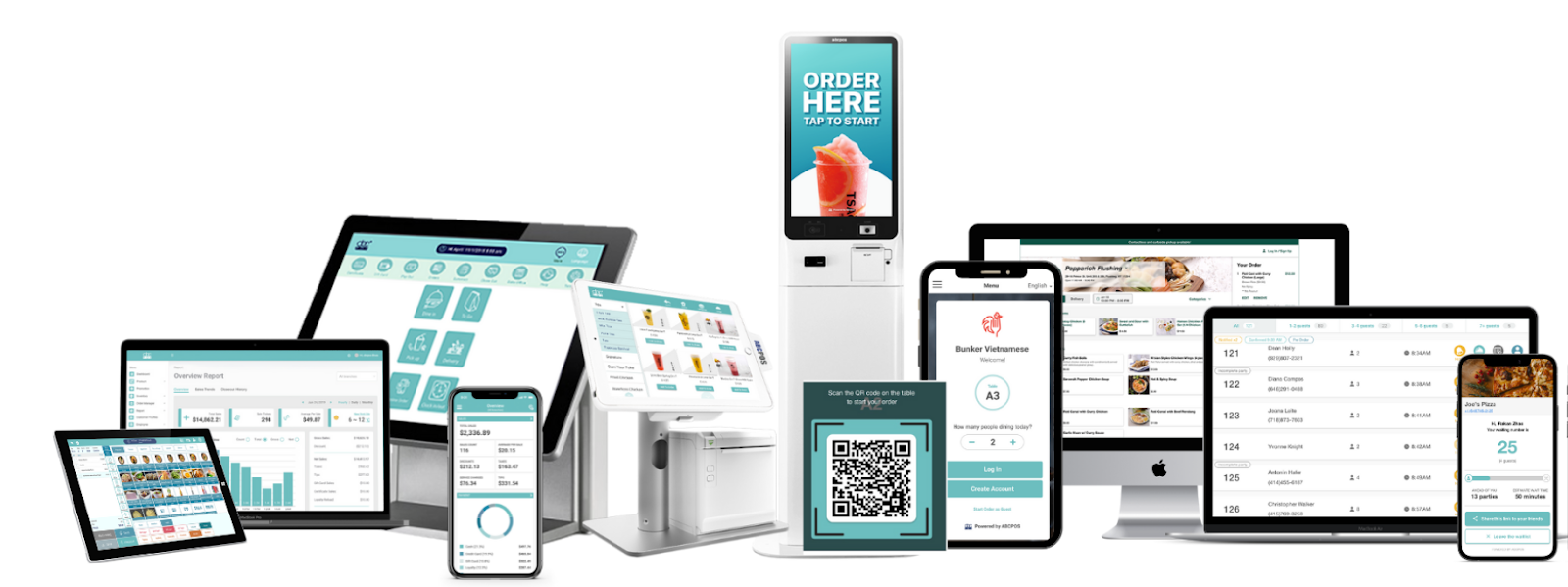
What is a POS system and how does it work for restaurants? This guide walks you through the basics and shows why a POS system is essential for running a modern restaurant.
A POS (Point of Sale) system refers to the place and technology where a business completes a sale and accepts payments. Whether a customer checks out online, pays at a handheld POS, or completes a purchase through a kiosk or mobile device, that interaction happens at the point of sale.
A POS system consists of both hardware and software working together to process transactions. It can run on traditional terminals, tablets, or existing devices like a computer, while centralizing sales, payments, and transaction data into one system.
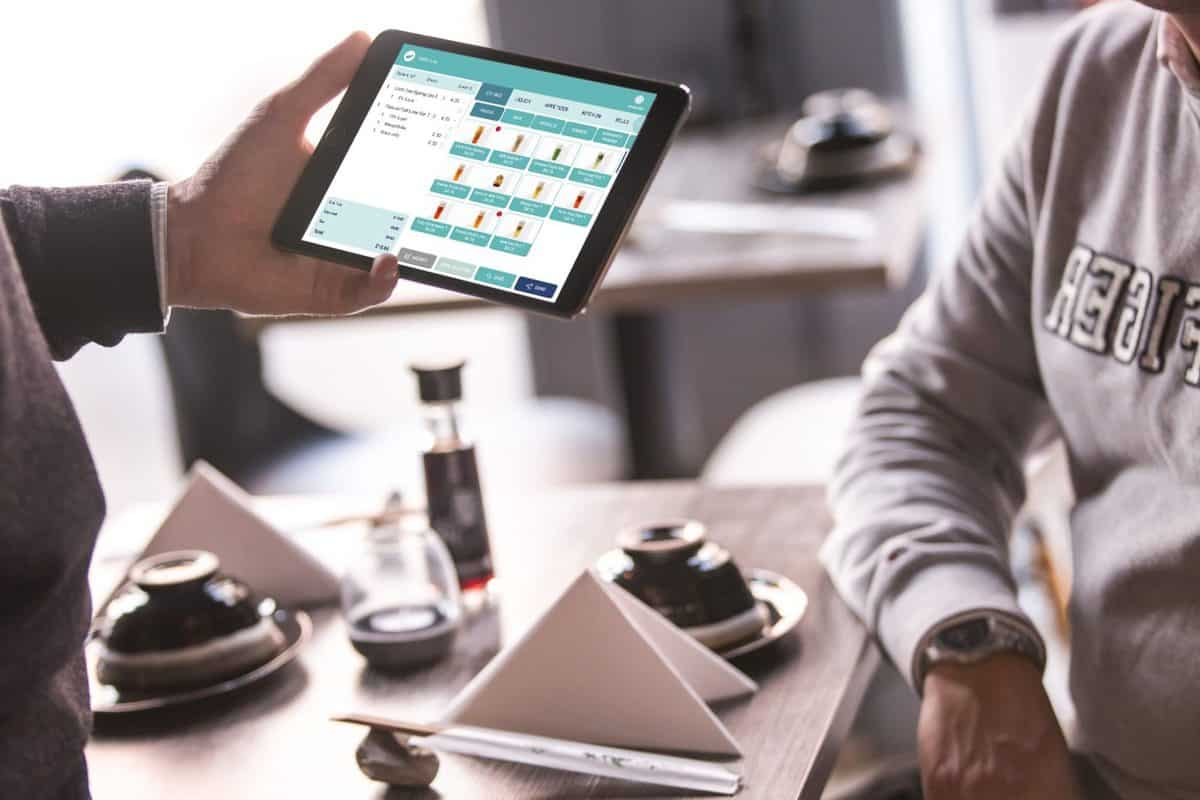
For restaurants, a POS system is the backbone of daily operations. It helps ensure orders are accurate, payments are fast, and every sale is recorded in real time. By bringing orders, payments, inventory, and reporting into one system, a restaurant POS reduces manual work, minimizes errors, and gives owners clear visibility into what’s driving revenue—so they can run smoother operations and make smarter business decisions.
For example, during peak dining hours, a modern POS system allows orders placed at the counter, via QR code, or through online ordering to be sent directly to the kitchen. This reduces miscommunication, shortens wait times, and allows staff to focus on serving more customers instead of running back and forth with paper tickets.
In short, POS systems matter not because they process payments, but because they help restaurants operate more efficiently, reduce errors, and scale sustainably—especially as customer expectations and ordering channels continue to evolve.
A POS system works in restaurants by capturing orders, processing payments, and recording sales through a combination of hardware and software. When an order is placed—whether at the counter, table, or online—the POS system sends the order to the kitchen, calculates the total, applies taxes and discounts, and completes the payment. All transaction data is stored in one system, allowing restaurants to track sales, manage inventory, and monitor performance in real time.
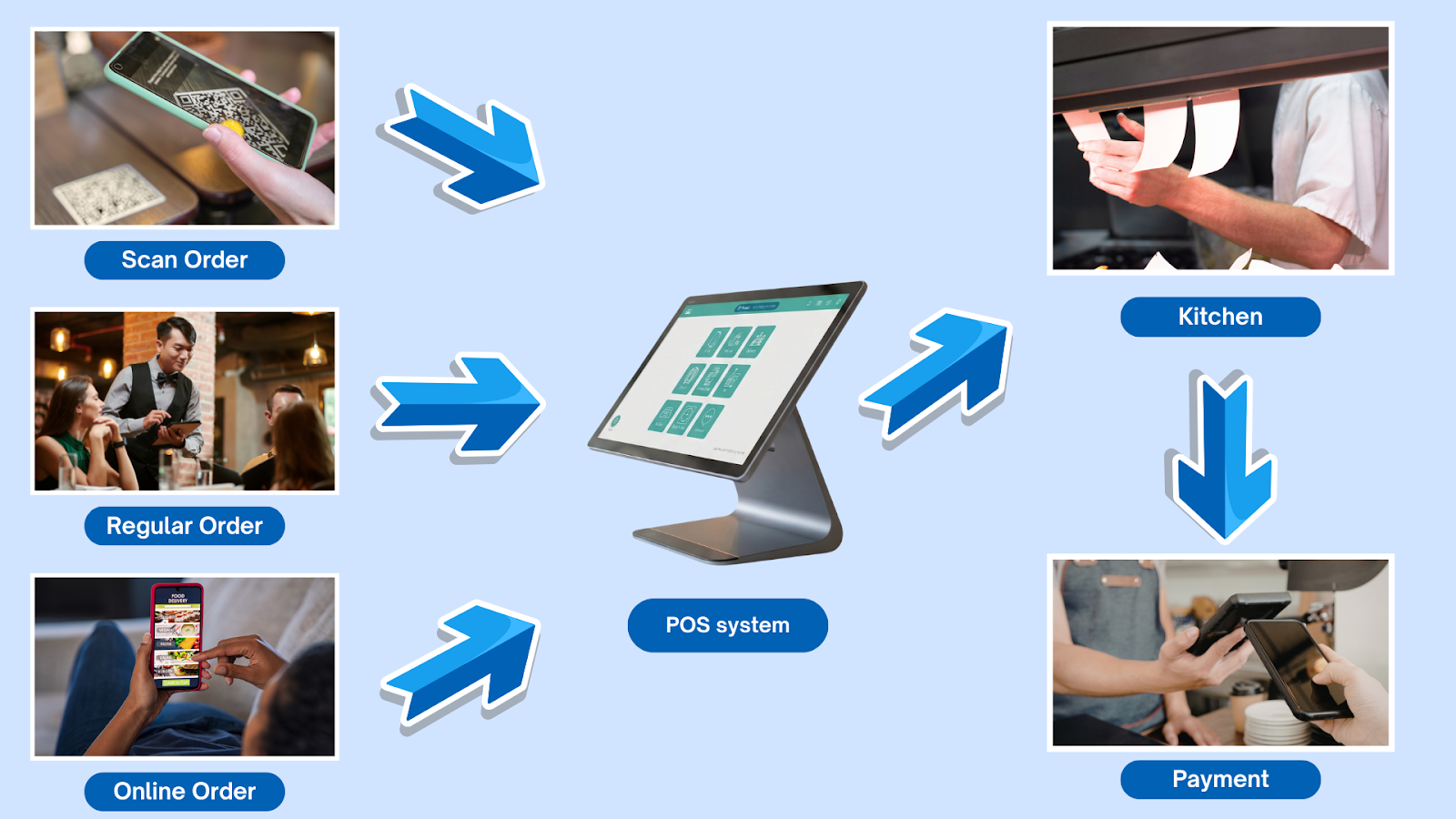
Step 1: Order is placed
A customer places an order through any channel—scanning a QR code, ordering online, or using an in-store tablet. The order details are captured instantly by the POS system.
Step 2: Order is processed
The POS system records the order, calculates the total, applies taxes, discounts, and modifiers, and prepares the transaction for fulfillment.
Step 3: Order is sent to the kitchen
Once confirmed, the POS automatically sends the order to the kitchen or preparation station, ensuring accurate and real-time communication between front of house and back of house.
Step 4: Payment is completed
The POS system processes the payment using the selected method and securely completes the transaction.
Step 5: Data is stored and updated
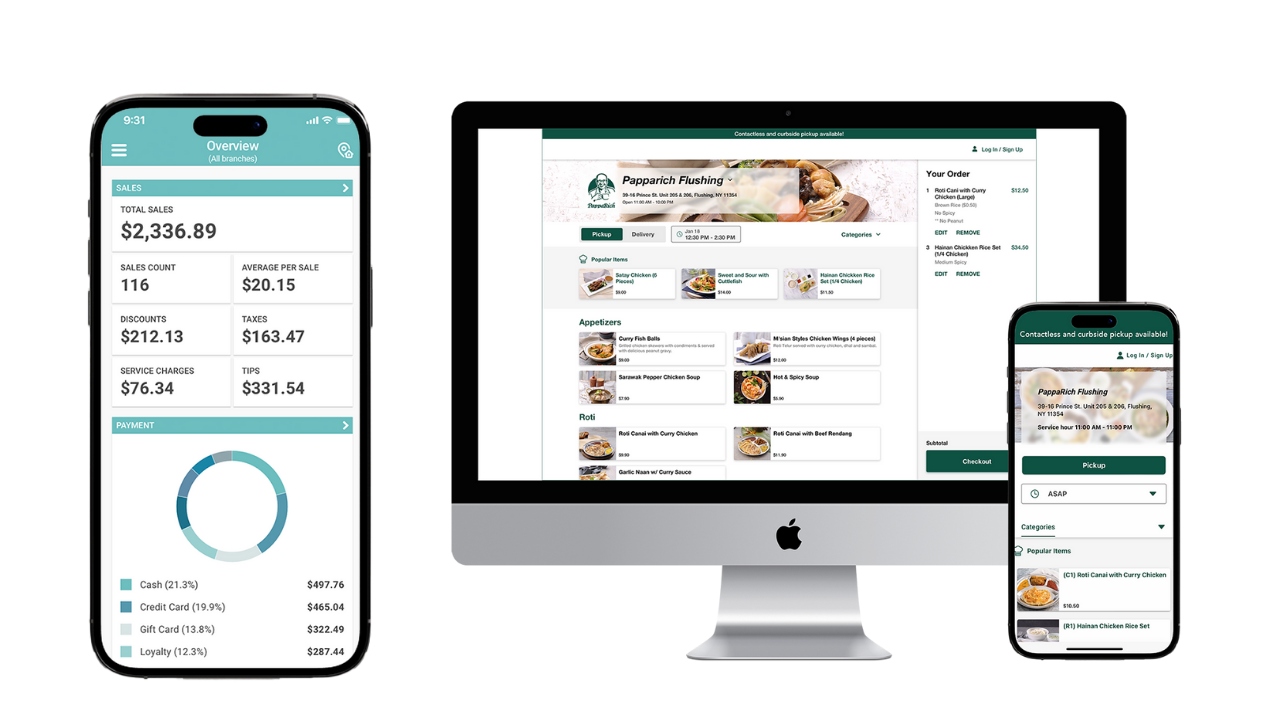
All transaction data is stored in one system, updating sales reports, inventory levels, and performance metrics in real time.
Not all restaurants need a full setup. The core POS software handles ordering, payment processing, and sales reporting. Some restaurants may add optional features such as inventory management, employee tracking, or customer loyalty tools based on their needs.
Common POS hardware includes a front-of-house terminal, such as a tablet or touchscreen, and a payment device. Kitchens may use receipt printers or a kitchen display system (KDS). Additional hardware—like handheld devices or self ordering devices—is typically only necessary for high-volume or multi-location restaurants.
Small restaurants can operate effectively with a basic POS system, while larger businesses may expand their setup over time. It depends entirely on your restaurant type and size. Click here to learn more about POS systems suited for different types of restaurants.
Before choosing any POS system, make sure it supports major payment methods and multiple receipt printing options, as this can greatly help your restaurant serve customers with different payment preferences.

POS software features commonly used during peak periods are designed to reduce manual work, prevent order errors, and keep operations running smoothly.
During rush hours, restaurants process more orders in a shorter amount of time, which makes speed, accuracy, and system stability especially important.
Real-time order syncing
This feature ensures that orders from dine-in, online ordering, and delivery platforms are updated instantly in one system, preventing missed or duplicated orders during busy periods.
Automatic order routing
Orders are automatically sent to the kitchen or preparation area as soon as they are placed, helping the kitchen start working immediately without relying on staff communication.
Fast payment processing
POS software supports quick and reliable payment flows, allowing staff to complete transactions faster and reduce lines at the counter.
Order status tracking
Staff can easily see which orders are new, in progress, or completed, helping teams stay coordinated when volume is high.
System stability and offline support
During rush hours, stable performance and offline capabilities help ensure the POS continues to operate even if the network connection becomes unstable.
After understanding how a POS system works and why it matters, it can help you make more informed decisions when choosing the right system for your restaurant.
Fill out the form below to receive:
Product demo videos/live Demo and see pricing


Copyright © 2024
A registered ISO of Wells Fargo Bank, N.A., Concord, CA
Abacus Business Computer


